Ready when you are
A Simpler Start
Pick a side and let the countdown begin. A small action to help you get into your next task.

Black · With Charging Base
Flip-to-Start
Timing
USB-C
Rechargeable
A Routine
That Fits You
Choose Black or White, with or without the optional charging base. The base's four keyboard-style keys are tactile fidget buttons, not timer controls.
A compact physical timer for work, study and everyday routines. Flip to a preset countdown, use a custom duration, or settle into a 25-minute focus and 5-minute break cycle.
Turn the 5, 10, 30 or 60-minute side upwards to start a preset countdown. Use the rear dial for a custom timer, and choose a sound, vibration or silent alert to suit your space.

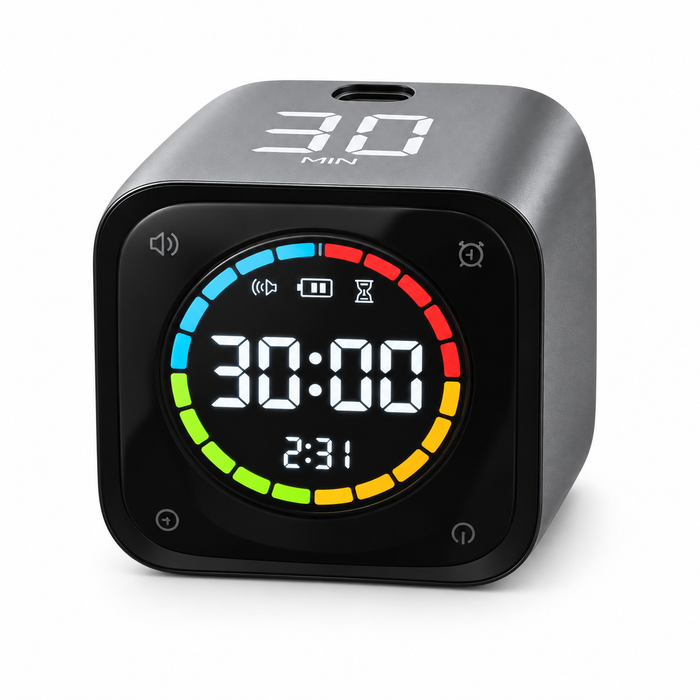
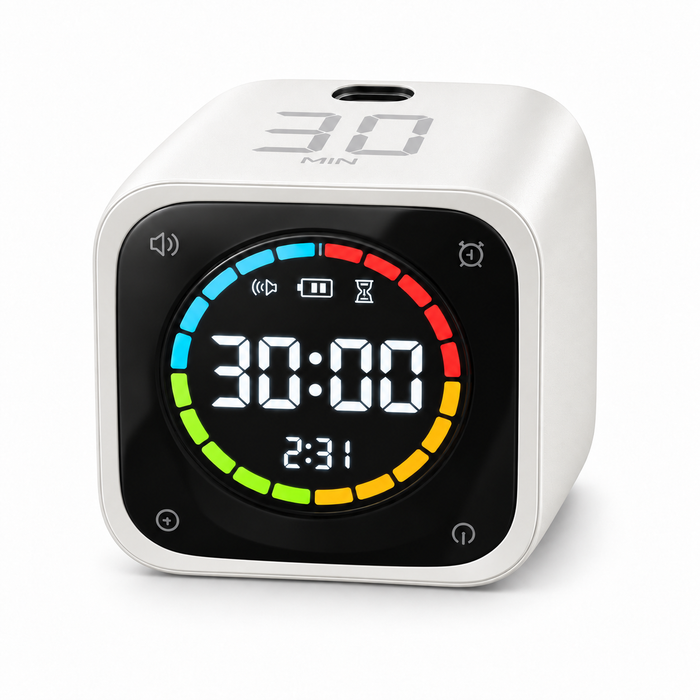
Four presets. Your own custom time.
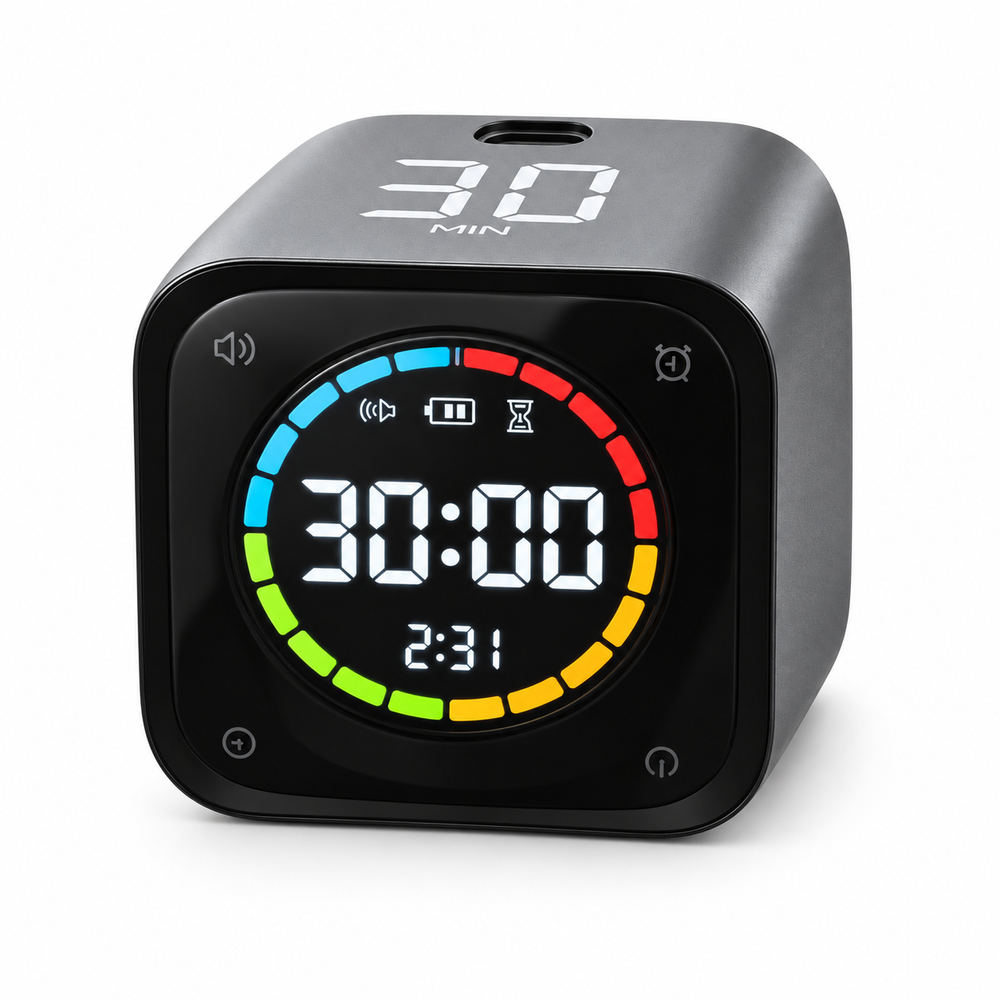
Give everyday tasks a clear beginning and an end. Set a session with FocusFlip Timer, then keep your attention on what you want to get done.
START FOCUSINGYour timer is ready when you are. Flip to a preset or choose a custom countdown, so you spend less time setting up and more time on the task in front of you.
CHOOSE YOUR TIMERTime a task, take a break, start again.

Choose the reminder that suits your space.
 Vibration alert
 Sound alert
Preset durations for a quick start: 5, 10, 30 and 60 minutes.
Alert options to match your surroundings: sound, vibration or silent.
A built-in rhythm of focused work followed by a short break.
Choose a preset or customise the timer for your own routine.
One chapter, one work session, one thing you have been putting off. FocusFlip Timer gives your next task a clear window of time. Both setups include the same core timer; choose the charging base if you would like a home for it on your desk.
GET YOUR FOCUSFLIP| Timer Only | With Base | |
|---|---|---|
| Flip-to-Start Convenience | ||
| Built-In Focus Routine | ||
| Custom Countdown | ||
| Flexible Alert Options | ||
| USB-C Rechargeable | ||
| Charging Base & Tactile Keys | — |
Ready when you are
Pick a side and let the countdown begin. A small action to help you get into your next task.
Keep it in view
See your remaining time on a dedicated display, without reaching for another screen.
Make it your own
Use one of four quick presets or set a custom countdown with the rear dial.
Recharge and repeat
Recharge through USB-C and keep your timer close for your next work or study session.
Your space, your choice
Choose vibration or a silent visual alert when an audible reminder would interrupt the room.
Focus, then pause
A 25-minute focus session and a 5-minute break give your routine a simple structure.
Turn the 5, 10, 30 or 60-minute side upwards. The gravity sensor starts the matching preset countdown.
Yes. Use the rear dial to set a custom countdown for your own routine.
Yes. It includes a 25-minute focus and 5-minute break cycle.
Yes. Choose vibration or the silent visual reminder instead of the audible alert.
Use the USB-C charging port. The With Charging Base configuration also includes the optional docking base.
Black or White, each offered as Timer Only or With Charging Base. The base's four tactile keys are fidget buttons, not timer controls.
Delivery destinations, shipping rates and estimated delivery times will be confirmed before ordering opens.
